
COD MW4 DMZ: First Deployment
Official launch-era DMZ guides, checked October 23. This is MW4 DMZ in Hajin, distinct from MWII’s DMZ Beta.
To start MW4 DMZ, open DMZ’s Forward Operating Base, recruit or select an available Active Duty Operator, prepare a Loadout and choose Deploy. Select a Story Mission, Dynamic Operation or Free Roam, then review Ready Up and Squad Fill. Your run’s goal is to complete chosen work and extract; unsecured carried gear can be lost if you fail to exfil.
What to prepare at the FOB
DMZ is part of the paid MW4 product, and its announced early-access date was October 20 for qualifying digital orders. Game Pass alone did not supply launch ownership. Resolve purchase and access questions before treating a locked mode as an infil problem.
At Operators, recruit into an open Active Duty slot. The official guide starts ordinary owners with two slots and Vault owners with three. An Operator is tied to that slot until dismissed; changing a skin is a separate cosmetic choice.
Check Stash/Loadout, Orders and your available gear. At Ready Up, a Free Loadout can provide basic equipment, letting a new Operator deploy without first buying a full custom build.
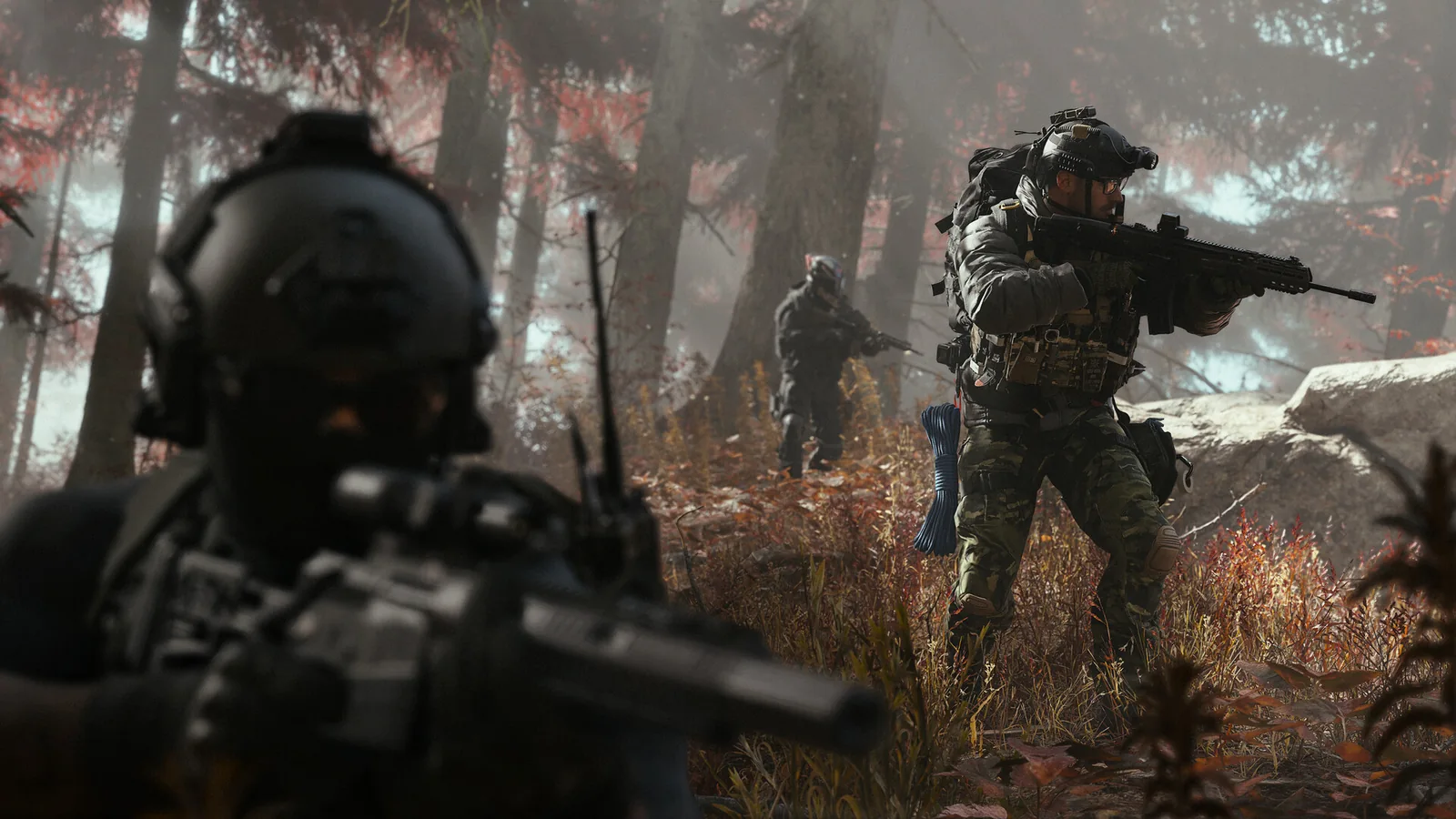
From preparation to the first completed run
Choose a deployment purpose
At Deploy, select a Story Mission, Dynamic Operation or Free Roam. A story option has its own mission selection; Free Roam is suitable for gathering supplies and working on Orders.
Review Ready Up
Choose your available Active Duty Operator and Loadout, or use the Free Loadout. Set Squad Fill to match whether you want automatic allies, then confirm the deployment.
Follow the tracked objectives in Hajin
Use the Tac-Map and HUD to locate your selected objective, monitor threat and radiation, and decide whether continuing is worth the carried loot. DMZ Orders and deployment operations are different tracking systems.
Extract and review the outcome
Use an available exfil method, then inspect the After Action Report and return to the FOB. Offload loot you want to keep in the Stash before the next deployment.
Understand the loss boundary before risking gear
The Stash remains at the FOB and is shared across your Active Duty Operators. Your deployment Loadout and Backpack travel with you. Items outside Secure Slots are at risk if you fail to exfil; a successful extraction is what lets recovered items prepare a later run.
An eliminated Operator becomes MIA. Recovering them with DMZ Cash preserves their Traits but returns them without gear. Dismissing them is a different choice that starts a new Operator. See FOB and Stash management and extraction outcomes before bringing valuable items.
Sources & scope
An independent editorial reference compiled from the sources below. This site does not claim firsthand gameplay testing.
- Activision: DMZ overviewHajin, operations and the extraction/progression loop.
- Activision: DMZ Forward Operating Base guideOctober 9, 2026; full original reread October 23; stations, crafting, deployment and progression.
- Activision: Hajin environment and threat briefingExclusion Zone traversal, buildings, operations and exfil context.
- Activision: Hajin Tac MapOfficial region names, legend, threat definitions and After Action Report.
- Activision: launch and Game Pass announcementOctober 15, 2026 announcement; launch and early-access dates.
Source material checked: . This is a source-check date.
Useful next reads
- DMZ missions & operations — Choose Story Missions, Dynamic Operations, Free Roam and DMZ Orders by their actual purpose, then check objectives and completion results.
- Extraction & gear loss — Prepare an exit, board the extraction aircraft and verify a successful result; compare retained progress, carried gear and MIA recovery.
- FOB stations & Stash — Use the FOB’s starting stations and unlocks, separate stored from carried inventory and choose MIA recovery or replacement deliberately.
- Solo & squad play — Turn Squad Fill off for solo entry, understand what stays personal or shared and avoid treating a solo infil as guaranteed solo-only matchmaking.